The Himachal Pradesh Board of School Education (HPBOSE) is likely to declare the Class 10th and 12th supplementary exam results soon.
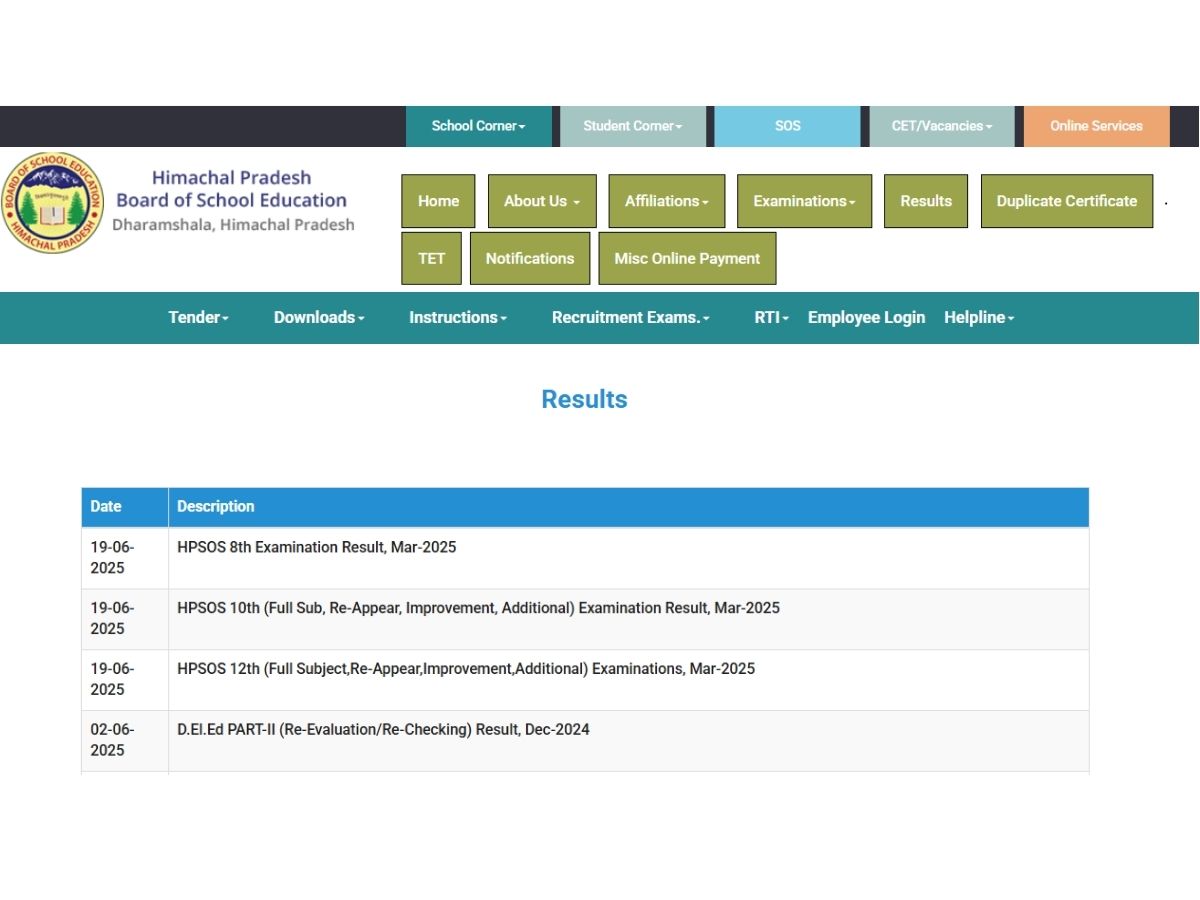
HPBOSE Supplementary Result 2025: The Himachal Pradesh Board of School Education (HPBOSE) is likely to declare the Class 10th and 12th supplementary exam results soon. The marksheet and scorecard will be available at the official website hpbose.org. While the board has not officially confirmed the date, according to media reports, the results are expected to be declared in the upcoming week.
Supplementary exams are held for students who either fail in one or two subjects in the regular board exams. Students who wish to pass the exam still need to secure at least 33 per cent marks overall as well as in each subject. If students fail to meet the required marks, they must repeat the entire year.
Step 1: Go to the official website- hpbose.org or hpresults.nic.in.
Step 2: Find the tab of ‘Results’ on the homepage, and click on it.
Step 3: Now click on the link titled Class 10/ 12 Supplementary result 2025.
Step 4: A new page will be opened on your screen to log in.
Step 5: Enter the required details like your roll number carefully and then submit them.
Step 6: After submission, your compartment result will appear on your screen.
Step 7: Check all the details on the scorecard, then download it.
Step 8: Print it out for future reference.
Step 1. Open the SMS app on your mobile phone.
Step 2. Type your HP10 or HP12 exam roll number.
Step 3. Send the SMS to 56263.
Step 4. Once the results are declared, you will receive your scores via SMS on your phone.
Manisha Chauhan is a passionate journalist with 3 years of experience in the media industry, covering everything from trending entertainment buzz and celebrity spotlights to thought-provoking book reviews and practical health tips. Known for blending fresh perspectives with reader-friendly writing, she creates content that informs, entertains, and inspires. When she’s not chasing the next viral story, you’ll find her diving into a good book or exploring new wellness trends.
The National Commission for Women (NCW) has summoned actor Nora Fatehi, Sanjay Dutt, Raqueeb Alam,…
Saudi Arabia says its trust in Iran is “completely shattered” and has warned it may…
Downloading Dhurandhar 2: The Revenge illegally? You could face Rs 3 lakh fine or jail…