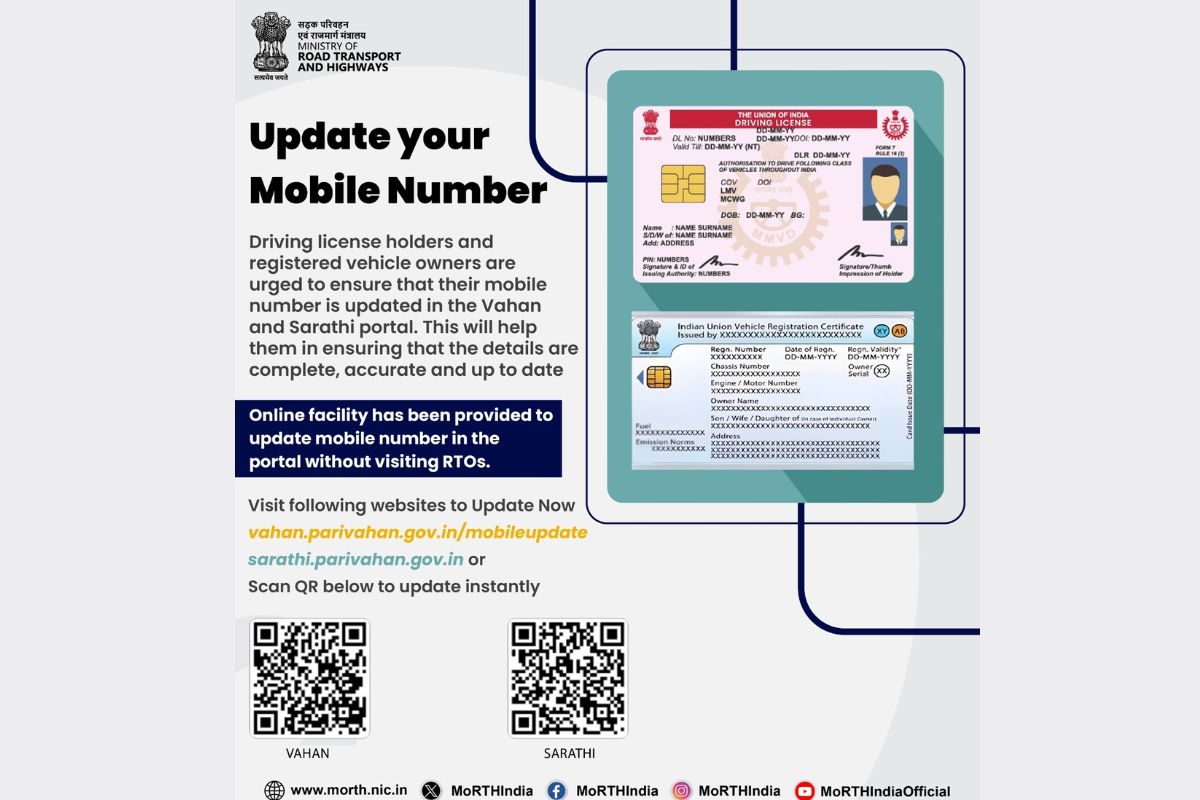
Update phone number on vahan and sarathi portal, credit:X
Updating your phone number on the government’s transport portals has become important these days in India. If you own a vehicle or have a driving license in India, then linking your current phone number with the Vahan and Sarathi portal is now essential. The update of phone number ensures that your records stay secure, accurate, and easy to access whenever you need them.
The linking of your phone number with Vahan and Sarathi app is essential because almost every service today in India relies on SMS communication. When the user links his or her number then they receive OTPs for renewals or corrections, e-challan updates, insurance reminders, registration alerts, and any official communication from the Road and Transport department.
If the users’ number is outdated, then they could miss important notices or find themself stuck when trying to complete a simple online process like renewing their license or paying a fine. The system verifies users through OTP, so it is important that the number is active and correct.
The government has made it simple to update the contact number by yourself but there is an important thing to remember that user should be both the owner of vehicle and driving license holder, and the user must update their phone number on both portals separately. Updating one will not update another automatically.
Step 1: Visit the official Vahan mobile update page on the Parivahan website.
Step 2: Enter your vehicle Registration Number
Step 3: Enter verification details including Chassis Number and Engine Number
Step 4: Enter contact number, click on generate OTP option
Step 5: Enter the OTP; your record will be updated immediately.
Step 1: Visit the Sarathi Portal and select the state where your license was issued
Step 2: On the main dashboard, locate and click the “Others” menu tab
Step 3: Select the option ‘Mobile Number Update’ from the dropdown list
Step 4: Enter your license number, Date of birth and other information asked
Step 5: Enter your phone number and click on generate OTP
Step 6: Enter the OTP and Submit, your driving license record will be updated immediately
Syed Ziyauddin is a media and international relations enthusiast with a strong academic and professional foundation. He holds a Bachelor’s degree in Mass Media from Jamia Millia Islamia and a Master’s in International Relations (West Asia) from the same institution.
He has work with organizations like ANN Media, TV9 Bharatvarsh, NDTV and Centre for Discourse, Fusion, and Analysis (CDFA) his core interest includes Tech, Auto and global affairs.
Tweets @ZiyaIbnHameed
Donald Trump has dismissed Attorney General Pam Bondi over dissatisfaction with her handling of Jeffrey…
Sunrisers Hyderabad recorded an emphatic win over Kolkata Knight Riders to kickstart their IPL 2026…
Hyundai Motor Company unveiled its rugged Boulder Concept pickup at the New York International Auto…