Indian Railways IRCTC Login to PNR Status How to Book Check Track Your Train Ticket Easily
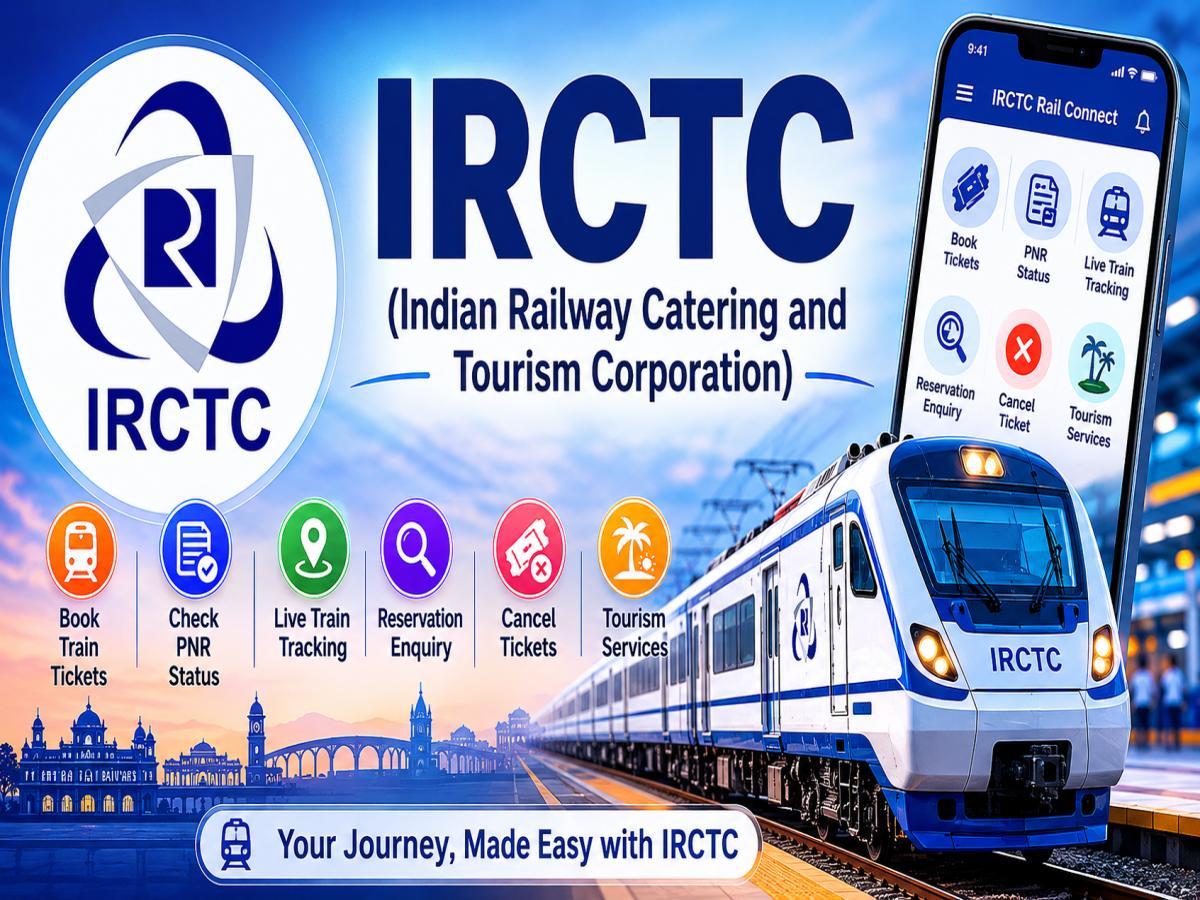
IRCTC (Indian Railway Catering and Tourism Corporation) IRCTC is the official online ticket booking and tourism services portal of Indian Railways. It was launched with the objective of providing digital railway services and to make travelling by train easier for the passengers across India. IRCTC is available on its official website and IRCTC Rail Connect mobile application. This means that travellers can use railway services from anywhere they are through their smartphones, tablets or computers. It is mainly used for booking train tickets, checking PNR status, live train tracking, Reservation enquiry, Tatkal booking, Cancellation of tickets, Refund and Tourism services. “Everyday millions of passengers use IRCTC as it reduces the need of going to railway stations for manual booking and enquiry services. For daily commuters and long-distance train passengers across India, IRCTC is a must-have digital service that provides real-time information on trains like train schedules, seat availability, platform numbers, and running status.
IRCTC account is required by passengers to book train tickets, check PNR status, cancel tickets and avail other railway services online. Login can be done via the official IRCTC website, or the IRCTC Rail Connect app on mobile phones.
Visit the IRCTC website or app and click on the “Login” option. Type your User ID and password and the captcha code shown on screen. Successful login users are able to easily search trains, book tickets, check booking history and manage reservations.
New user registration is required first by filling details like name, mobile number, email Id and address. IRCTC verifies accounts by OTP sent on registered mobile number and email.
If a user forgets his password, he can reset it by clicking “Forgot Password” on the login page. To reset password, the user may be required to verify the registered mobile number or email ID.
Passengers can know the current status of their booking in railway ticket with the help of PNR. That is whether there booking is confirmed, or they have got RAC, or the ticket is still waitlisted. PNR is the number of the railway ticket issued in India. Its full form is Passenger Name Record.
You can check the PNR status by using the official website of IRCTC portal, Railway Enquiry Portal or Rail Connect IRCTC mobile app.
Using the PNR number on your ticket you can enter the 10-digit number at IRCTC portal.
Use the “Check Status” option in order to view all the relevant information about your booking status and seat allocation.
The booking and seat allocation status will be displayed which includes details of the current status of the seat/ticket confirmation, train name and destination.
PNR Status without Logging into IRCTC or Railway Enquiry Portal
Booking tickets online for trains is possible using the IRCTC website / IRCTC Rail Connect app that allows users to look up trains, available seats, classes and book tickets over the internet without going to railway stations.
To login into one’s IRCTC account, one needs to enter IRCTC account Id and password. Those who do not have an IRCTC account will have to register themselves before making bookings.
By Clicking Search You Need To Provide The Boarding Point, Destination, Dates Of Journey And Preferred Class Of Journey.
Here the user chooses the train to travel on with his/her preferred class like AC, Chair Car or sleeper class.
Enter Passenger Details like name, age and gender. Passenger details can be easily stored for future reference.
Payments through UPI, Debit Cards, Net banking, Credit/Debit Card and Wallet.
After booking it is easy to download a ticket or also get the tickets on email and message.
The live train status and reservation enquiry online is available on the IRCTC website, IRCTC Rail Connect app and railway enquiry platforms. These services enable the users to know the position of trains, delays, seat availability, expected time of arrival and platform information in real time.
You can track a train live through the official website of IRCTC, IRCTC Rail Connect app or any of the railway enquiry service platforms.
User can enter train number or train name in search box to know live running status and reservation details.
Ask the system to display the current position of the train, whether it is delayed or not, the expected arrival & departure timings, the next station and the route details.
The passengers can also check the seat availability and the reservation enquiry details for the different classes of travel before booking the tickets.
The real time tracking of trains helps the passengers to plan the journey in a much better way with updated railway information. In particular, checking for delays, platform changes and expected arrival times before you get to the railway station can be very helpful.
Tatkal booking hours hit the IRCTC server, causing login issues for a lot of users due to wrong passwords, captcha errors, forgetting account details or heavy server traffic. If you are not able to login, please check your User ID, Password and Internet connection. In case of forget password it can be reset through ‘Forgot Password’ option with OTP verification on the registered mobile number or email id.
There are instances when the payment is debited from the bank account, but the train ticket is not booked successfully due to server or payment gateway issues. In most cases the deducted amount will automatically be credited back to the original payment method within a few working days. The account holders of IRCTC can also check the booking status, refund details and failed transaction update in the section of ‘Booked Ticket History’.
Passengers can cancel train tickets online before chart preparation via IRCTC website or mobile app. The refund amount is determined by the time of cancellation, type of ticket and the refund policy of the railway. If your ticket is confirmed, there are cancellation charges and waiting list tickets might get you more refund. Generally, the Tatkal ticket refund is allowed under some conditions as per the ticket booking and Indian Railways.
IRCTC app and website provide services for railway booking like ticket booking, PNR status, reservation enquiry, live train tracking etc. Mobile app is easier to book quickly and travel updates on smart phones. The website is likely to be better for detailed searching, larger screens and for handling multiple bookings. The users can select any of the above platforms as per their convenience and internet availability.
This guide helps users understand IRCTC ticket booking, PNR status checking, train tracking, cancellations, and refunds in a simple way. Proper use of these online railway services will save time, avoid confusion and easily manage train journeys through mobile phones or computers.
For more information : https://www.indianrail.gov.in
What is IRCTC login ID and password?
IRCTC login ID and password are account credentials used for railway booking and enquiry services.
How to book train tickets online in India?
Login to IRCTC, search trains, enter passenger details and make payment to book tickets online.
What does WL, RAC, CNF mean in PNR status?
WL means Waiting List, RAC means Reservation Against Cancellation and CNF means Confirmed ticket.
Can I check PNR status without login?
Yes, PNR status can be checked without login using the 10-digit PNR number.
What is Tatkal booking time in IRCTC?
Tatkal booking starts at 10 AM for AC classes and 11 AM for Sleeper classes.
How to track train live status in India?
Enter the train number or name on IRCTC or railway enquiry platforms to check live train status.
Aaditya Verma is a Content Writer with a background in Journalism and Mass Communication. He writes simple and engaging content on news, entertainment, digital media, and trending topics. He focuses on creating clear and reader-friendly articles.
Actress Sanya Thakur Turns Radha Rani at Cannes Red Carpet 2026, Represents Sanatan Culture Globally
New Delhi [India], May 26: The glamour of the Cannes Film Festival 2026 witnessed a…
West Bengal CM Bans Liquor Shops Near Schools & Temples
West Bengal CM Suvendu Adhikari announces Rs 5 fish-rice meals, liquor ban near schools and…
Sonny Rollins Dead at 95: Biography, Career Highlights, Albums, Net Worth & Jazz Legacy Explained
The music community throughout the globe is mourning the loss of legendary Saxophonist Sonny Rollins,…