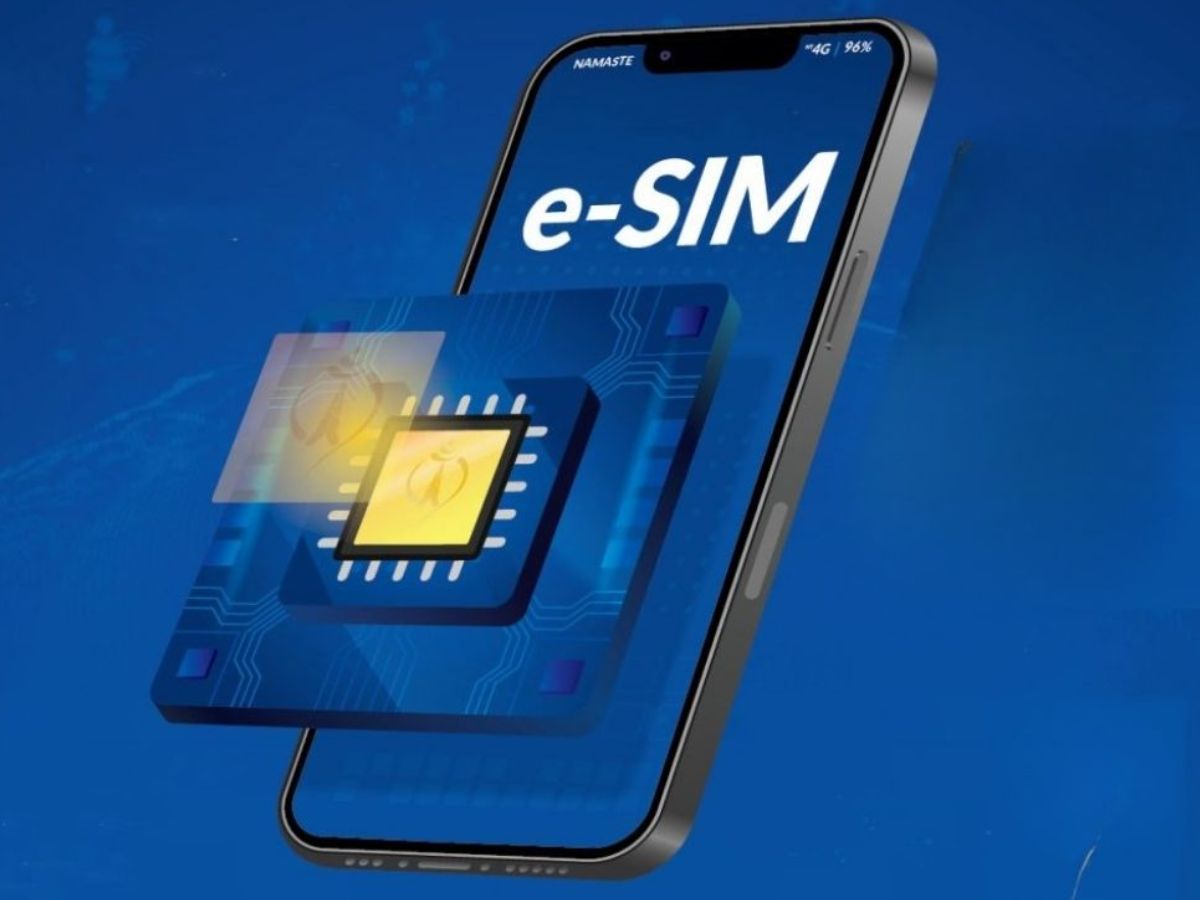
What Is eSIM? How To Activate It On Android And iPhone (Pic Credits: TechBricx IT Solutions)
eSIM: An eSIM, short for embedded SIM, is a digital version of the traditional physical SIM card and is built directly into a smartphone or other connected devices such as tablets and smartwatches. Unlike a physical SIM, an eSIM does not need to be inserted or removed. Users can activate a mobile network simply by scanning a QR code or using a carrier’s app, making the entire process faster and more convenient.
The biggest difference between an eSIM and a regular SIM card is that the eSIM is software-based and permanently embedded in the device. This allows users to switch between mobile networks without physically changing SIM cards. Many smartphones now support multiple eSIM profiles, enabling users to store more than one number on the same device. This feature is especially useful for people who want to maintain separate personal and work numbers or frequently travel abroad. eSIM support has expanded rapidly and is now available on most premium Android phones and Apple iPhones.
Activating an eSIM on an Android smartphone is a straightforward process. Users need to open Settings and go to Network & Internet or Connections, depending on the device brand. From there, select SIMs or Mobile Network and tap Add eSIM or Add Mobile Plan. The phone will prompt you to scan a QR code provided by your telecom operator. Once scanned, follow the on-screen instructions to complete the setup. In most cases, activation takes only a few minutes, after which the network becomes fully functional.
On an iPhone, users can activate an eSIM by going to Settings, selecting Mobile Data or Cellular, and tapping Add eSIM. Apple allows activation by scanning a carrier-provided QR code or through the carrier’s official app. Newer iPhones also offer an eSIM transfer option, allowing users to move their existing eSIM from an old iPhone to a new one during the setup process.
eSIM technology offers several advantages, including improved security, as it significantly reduces the risk of SIM theft and SIM-swap fraud. It also simplifies international travel by allowing users to add local or global data plans without visiting a store. As telecom providers continue to expand eSIM support, the technology is widely expected to replace physical SIM cards in future smartphones.
Blood Moon Rising: Chandra Grahan 2026 Date, Time & How To Watch In India | All You Need To Know
Blood Moon Rising: Chandra Grahan 2026 on March 3 – Total Lunar Eclipse visible in…
Iran launched missile attacks on Gulf countries after strikes from the United States and Israel…
After 19-min viral MMS controversy, Payal Gaming returns to spotlight after meeting IShowSpeed & MrBeast,…