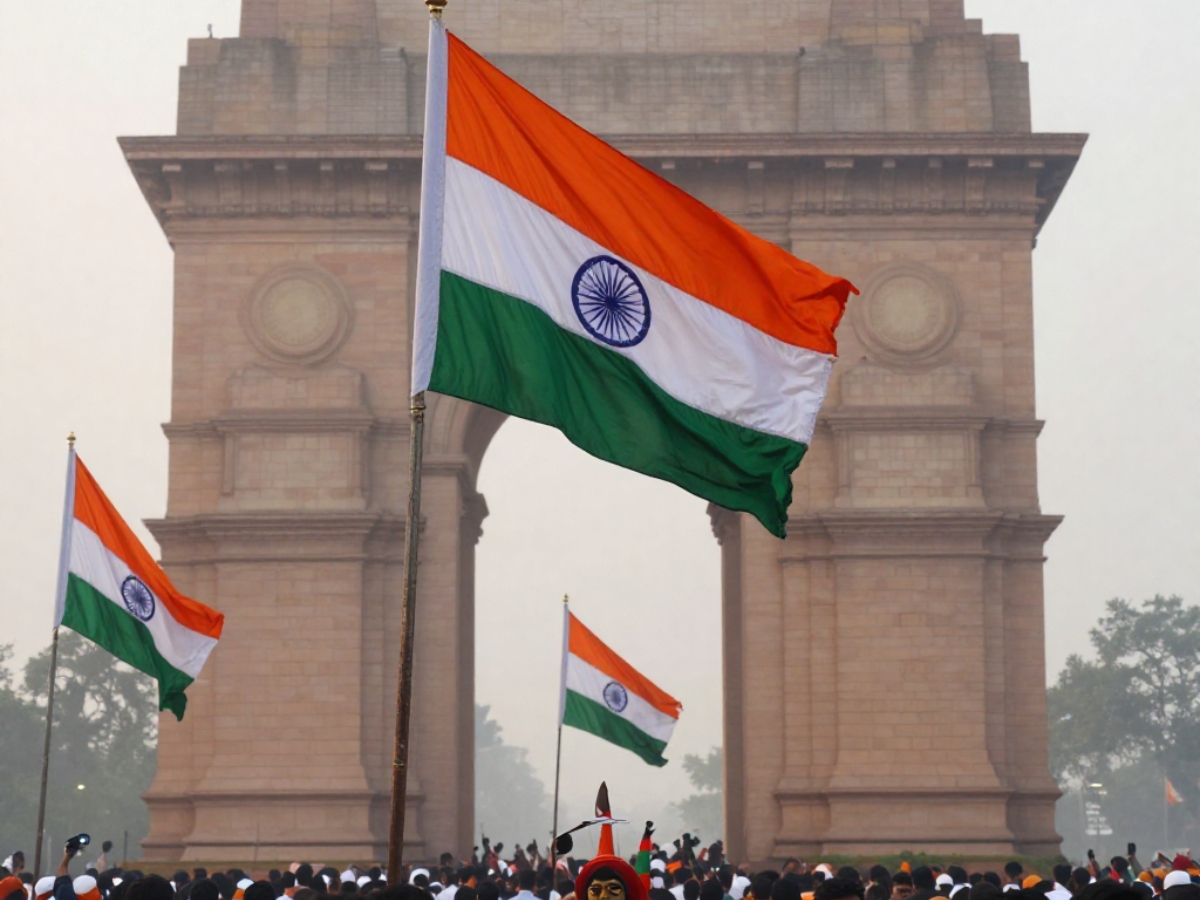
Celebrate India’s 77th Republic Day with Google Gemini – create custom patriotic images for selfies, family, and work profiles.
How To Create Republic Day Photos With Google Gemini? India is celebrating its 77th Republic Day, commemorating the day in 1950 when the Indian Constitution came into effect, officially making India a sovereign, democratic republic. This day stands is celeberated for the ideals of justice, liberty, equality, and fraternity that continue to guide the nation.
People across India on Republic Day also remember the sacrifices made by India’s freedom fighters, who fought relentlessly to secure independence and build a society that is free, equal, and sovereign for future generations.
This Republic Day, citizens can use Google Gemini to create unique, personalized images reflecting their patriotism. AI tools now allow anyone to transform personal photos into Republic Day-themed visuals, perfect for sharing with friends, family, and colleagues.
Creating your own Republic Day wish image with Google Gemini is straightforward:
Upload your photo and select Create Image from the Tools menu using the Pro model.
Copy and paste one of the prompts provided below.
Let Google Gemini generate a unique, personalized image.
Here are five recommended prompts for creating different types of Republic Day visuals in Google Gemini:
Ideal for selfies or portrait photos, this prompt emphasizes lighting and mood without altering facial features.
Google Gemini Prompt:
“Edit this photo for Republic Day 2026. Keep my face, skin tone, and facial features completely unchanged. Add soft saffron, white, and green lighting from the side, as if natural light is falling across the frame. The background should remain simple and clean, with a subtle patriotic tone. Make the image look realistic, respectful, and suitable for sharing on social media.”
Perfect for selfies or half-body photos, this prompt places the subject naturally in front of the India Gate, maintaining realism.
Google Gemini Prompt:
“Place me naturally in front of the India Gate on Republic Day morning. Keep my pose, expression, and clothing unchanged. Add soft early-morning light, a clear sky, and a respectful national atmosphere. Do not exaggerate colours or add dramatic effects. The background should feel realistic, slightly blurred, and visually balanced.”
Best suited for group or family photos, this prompt avoids over-styling to maintain the authenticity of multiple faces.
Google Gemini Prompt:
“Edit this photo to reflect Republic Day 2026. Keep all faces, expressions, and body proportions exactly the same. Add small Indian flags in the background, soft tricolour decorations, and natural daylight. The overall mood should be warm, celebratory, and realistic, without dramatic filters or artificial lighting.”
Designed for LinkedIn or work-related profiles, this prompt focuses on subtlety and professionalism.
Google Gemini Prompt:
“Create a professional Republic Day-themed version of this photo. Keep the background minimal and clean. Add a subtle tricolour accent using lighting or background gradients. Do not add flags, costumes, or dramatic effects. The final image should look formal, respectful, and suitable for professional platforms.”
For a creative touch while keeping the subject recognizable, this prompt converts photos into artistic illustrations.
Google Gemini Prompt:
“Transform this photo into an artistic illustration for Republic Day 2026. Keep my likeness clearly recognisable. Use a clean, hand-drawn illustration style with saffron, white, and green tones. Add subtle patriotic elements in the background, such as abstract patterns inspired by the Indian flag. Avoid caricature effects and keep proportions realistic.”
Zubair Amin is a Senior Journalist at NewsX with over seven years of experience in reporting and editorial work. He has written for leading national and international publications, including Foreign Policy Magazine, Al Jazeera, The Economic Times, The Indian Express, The Wire, Article 14, Mongabay, News9, among others. His primary focus is on international affairs, with a strong interest in US politics and policy. He also writes on West Asia, Indian polity, and constitutional issues. Zubair tweets at zubaiyr.amin
The Central Board of Secondary Education (CBSE) has released the CTET Provisional Answer Key 2026…
Delhi Capitals' wicket-keeper batter Abhishek Porel was all in praise of KL Rahul and Axar…
As it approaches its 30th anniversary on 11 August 2026, the Adani Foundation, the social…