Declutter Your Camera Roll: 7 Smart Ways to Organise Your Holiday Photos
The summer holidays are behind us, but the memories are here to stay even as the hundreds of photos on your phone remain. While a few favourite shots have probably made their way to Instagram or the family group chat, most are now likely to get buried in your camera roll. And we know the feels, yes. If the thought of organising them feels overwhelming to you, here’s a subtle reminder: you are not alone. With a few smart strategies and the right tools, you can turn digital clutter into a curated collection of memories. Scroll on to know how:

Pick Your Favourites First
Highlight the best of your vacation - right from sunset skies to shared smiles, and scenic views. Use the 'favourite' or 'heart' feature to mark standout photos.

Let Go of the Useless Shots
Delete what you don't need: be it blurry pictures, random screenshots, and(or) 17 identical images of a restaurant menu that you may have captured but will never revisit.

Use Smart Deletion Apps
Apps like 'Clever Cleaner' can help you review and delete similar photos. Swipe left to delete, right to save, just like a person would do on Tinder.
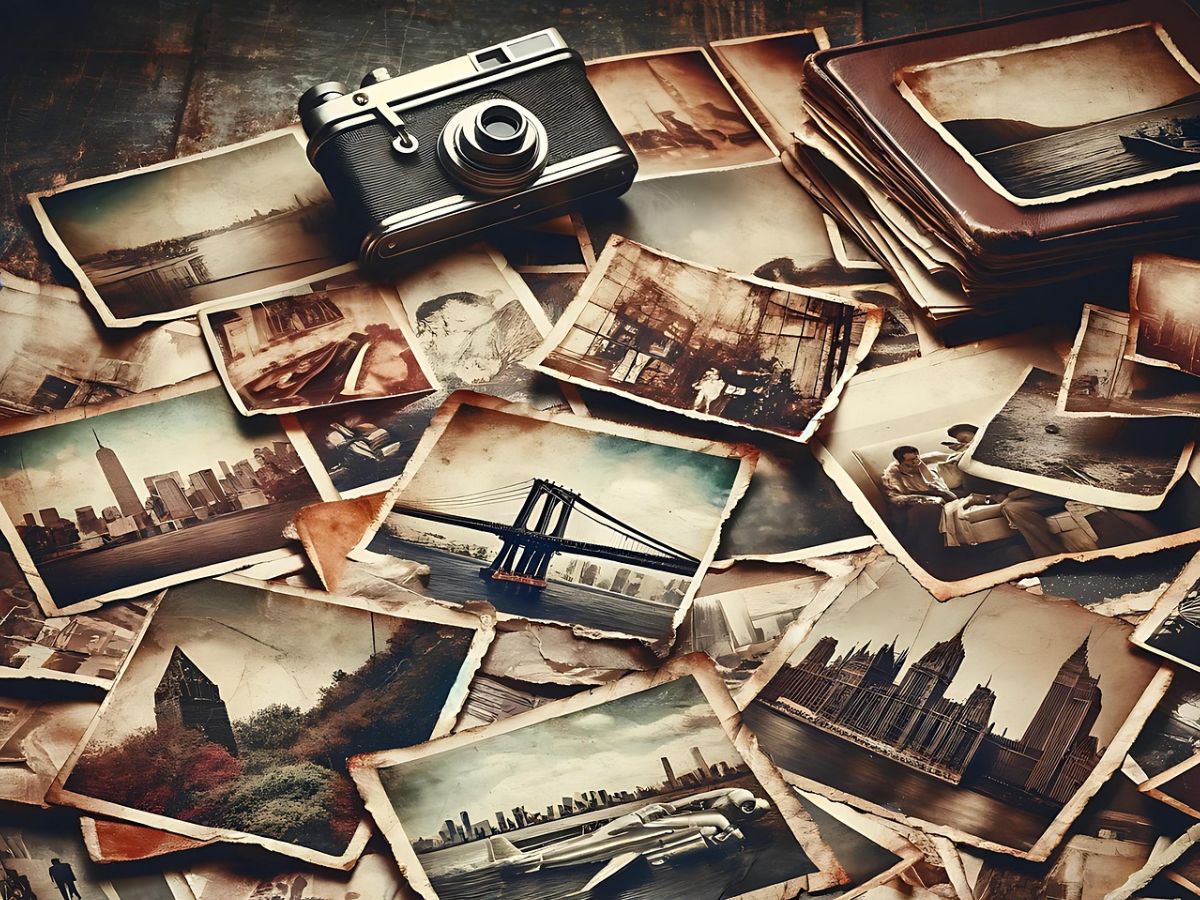
Create Albums by Theme or Trip
Organise your photos into albums by renaming them. For example, 'Istanbul 2025' or 'Beach Days.' You will thank yourself (and us) later while nostalgically scrolling through the joyful memories you've made.
Share with Family & Friends Easily
Create shared albums or generate shareable links so others can view and contribute to your folders. Both Android and iPhone versions offer options for collaboration.
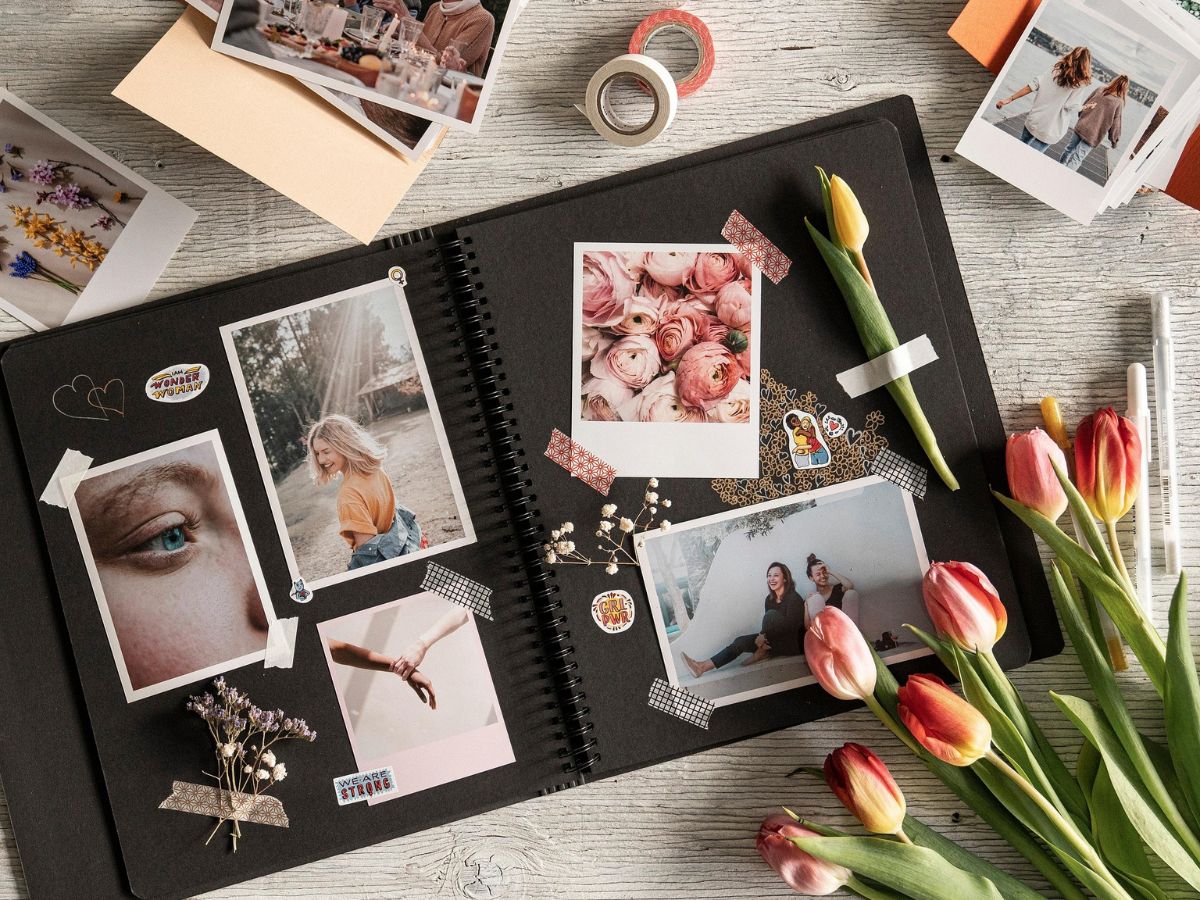
Think Beyond the Screen
Select your best shots to print and get them framed. You can always turn your digital snaps into real-world keepsakes that you can hang on a wall or flip through inside an album.

Make a Photo Book with AI Help
You can also try photo book services like Google Photos or Mixbook that use Artificial Intelligence (AI) to create themed albums - from 'Spring 2025' to 'Family Moments.'