
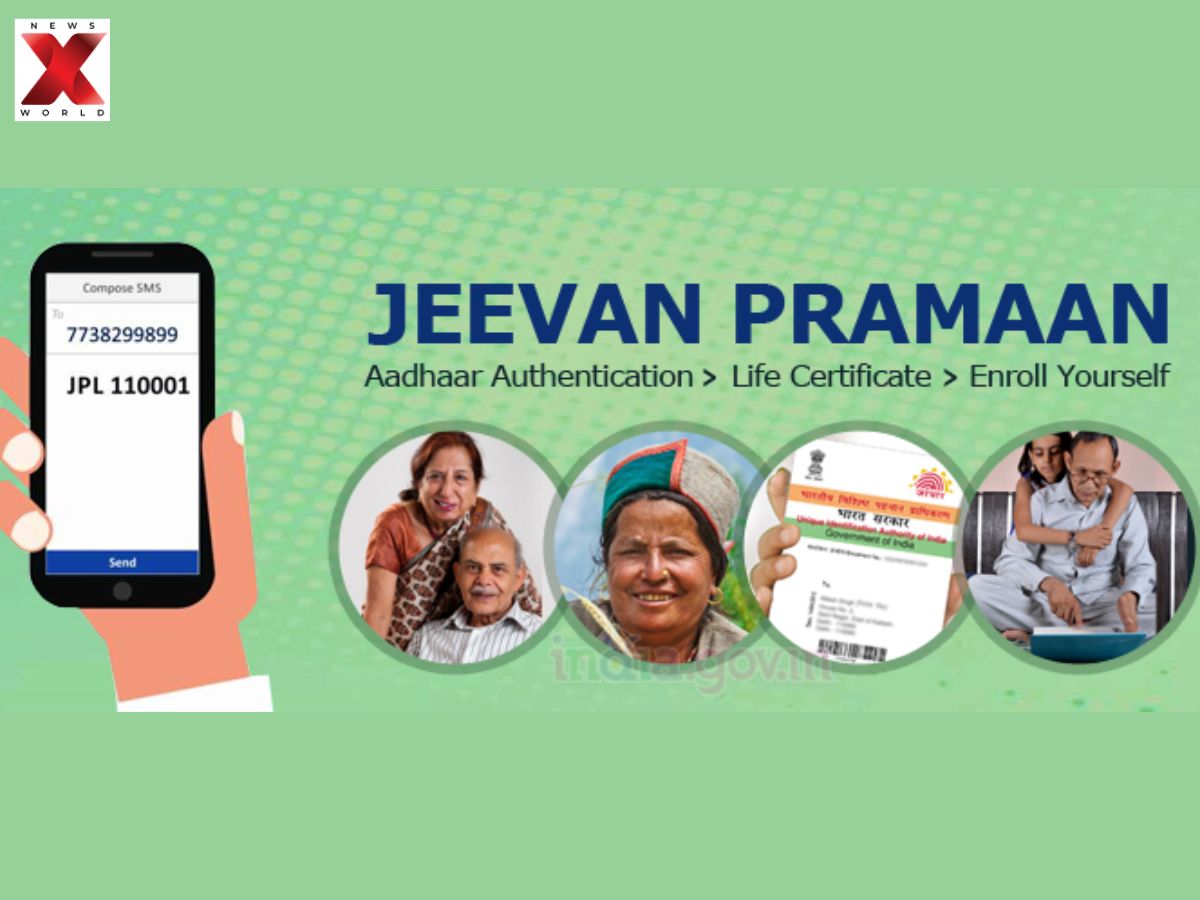

Digital Life Certificate (DLC) Campaign 4.0: Nationwide Commencement!
Indian pensioners will be getting good news! The Department of Pension and Pensioners’ Welfare (DoPPW) is rolling out the long-awaited Digital Life Certificate (DLC) Campaign 4.0. This countrywide campaign will operate in 1,600 districts and sub-divisional headquarters and take digital services near to the residence of people.
The main goal? To simplify and streamline the process of filing life certificates in order to enable senior citizens and the differently-abled pensioners to do so conveniently. Pension Disbursing Banks and India Post Payments Bank (IPPB) will help in organizing special doorstep camps.
These camps are going to save your time, lessen your stress and be able to leave behind nobody pensioner, regardless of whether you live in a big city or a small village. The government is taking a giant leap with this campaign towards increasing the accessibility and user-friendliness of digital services to seniors.
Keep watching news and schedules of the camp in your locality!
Digital Life Certificate (DLC) Camps 2025: When Do Government and Bank Camps Start?
Digital Life Certificate (DLC) Campaign 4.0, is the much-awaited event, which will start on November 1, 2025, and continue until November 30, 2025.
Pension Disbursing Banks and the India Post Payments Bank (IPPB) will also set up camps in 1,600 districts and sub-divisional headquarters across the country during this month-long drive.
The aim of these camps is to assist elderly and differently-abled pensioners in submitting their life certificates with ease. The program is also expected to eliminate the hassle and make the process more convenient through doorstep services. Stay updated with local schedules for these government-sponsored camps.
How to Submit Life Certificate Using Face Authentication?
Senior citizens can now easily submit their Digital Life Certificate (DLC) from home using Face Authentication via the Jeevan Pramaan app. Here’s a simple step-by-step guide:
- Step 1:
- Download the Aadhaar Face RD App by UIDAI from the Google Play Store.
- Step 2:
- Install the app; it runs in the background for face authentication and is mandatory.
- Step 3:
- Download the Jeevan Pramaan App from the Play Store or App Store.
- Step 4:
- Open the Jeevan Pramaan app and complete Operator Authentication:
- Tick Aadhaar checkbox
- Enter Aadhaar Number, Mobile Number, Email ID
- Submit and verify OT
- Step 5:
- Enter name as per Aadhaar – > Click Scan – > Allow Face Scan
- Step 6:
- After operator authentication, proceed with Pensioner Authentication by entering:
- Aadhaar number, Mobile, PPO, Pension Type, etc.
- Step 7:
- Give consent for face scan – > App scans the face
- Step 8:
- After scanning, DLC is submitted and Pramaan ID is generated.
Pensioner Authentication For Digital Life Certificate (DLC)
- Step 8: Provide Details Again
- Aadhaar Number
- Mobile Number
- (Optional) Email
- Submit and enter OTP
- Step 9: Final Details for DLC
- Full Name (as per Aadhaar)
- Type of Pension
- Sanctioning Authority
- Disbursing Agency
- PPO Number
- Pension Account Number
- Agree to declarations
- Submit
Last Step For The Digital Life Certificate (DLC):
After entering and validating all the details, the last step is to submit your Digital Life Certificate (DLC). The first step is to provide your consent for the face scan when it asks you to do so using the Jeevan Pramaan app. Once you have scanned your face, your DLC will be automatically submitted.
Then you will see your Pramaan ID and PPO number on the screen. Make sure to note these down. Just log on to the official Jeevan Pramaan site and input your Pramaan ID to download your certificate. It is so simple, no need to go to a physical office!
(With Inputs)
Aishwarya is a journalism graduate with over three years of experience thriving in the buzzing corporate media world. She’s got a knack for decoding business news, tracking the twists and turns of the stock market, covering the masala of the entertainment world, and sometimes her stories come with just the right sprinkle of political commentary. She has worked with several organizations, interned at ZEE and gained professional skills at TV9 and News24, And now is learning and writing at NewsX, she’s no stranger to the newsroom hustle. Her storytelling style is fast-paced, creative, and perfectly tailored to connect with both the platform and its audience. Moto: Approaching every story from the reader’s point of view, backing up her insights with solid facts.
Always bold with her opinions, she also never misses the chance to weave in expert voices, keeping things balanced and insightful. In short, Aishwarya brings a fresh, sharp, and fact-driven voice to every story she touches.




