
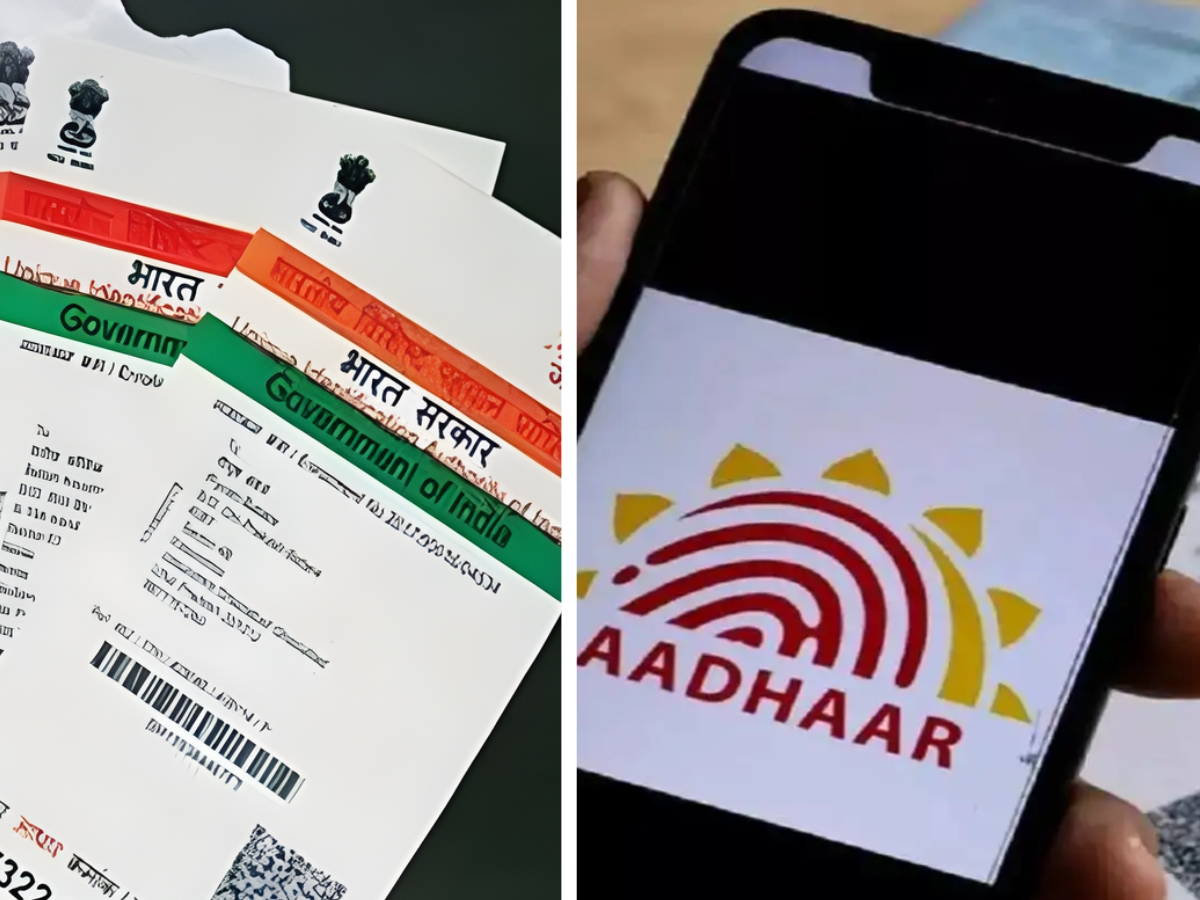

Government Deactivates Over 2.5 Crore Aadhaar Numbers of Deceased to Prevent Identity Fraud
In a major move to safeguard the integrity of India’s Aadhaar system, the government has deactivated more than 2.5 crore Aadhaar numbers belonging to deceased individuals, Union Minister of State for Electronics and Information Technology, Jitin Prasada, confirmed in a submission to the Lok Sabha on Wednesday.
With approximately 134 crore active Aadhaar holders nationwide, maintaining the accuracy of the database is a monumental task. The deactivation drive aims to close loopholes that could enable misuse of personal identities and ensure government subsidies and welfare benefits are disbursed only to the intended, living beneficiaries.
Focus on Preventing Identity Fraud
The Ministry of Electronics & IT stated, “In case of the death of a person, it is essential that his/her Aadhaar number is deactivated to prevent potential identity fraud,” emphasizing that this step is vital to curb unauthorized usage of Aadhaar numbers for availing benefits. Challenges include differences in the location of death registration and the address listed on Aadhaar, making synchronized deactivation critical.
Advanced Security Measures in Aadhaar System
To strengthen the security of the system, UIDAI has implemented several technological safeguards. The Biometric Lock/Unlock feature allows users to lock their data, preventing unauthorized authentication attempts. Face authentication now includes a “liveness detection” function to ensure the presence of a real person and stop spoofing attempts. Additionally, all entities requesting Aadhaar verification are required to use Aadhaar Data Vaults, storing numbers in an encrypted format. UIDAI does not share core biometric information with third parties. Offline use is facilitated through secure QR codes and paperless e-KYC.
Citizen-Friendly Tools to Update Aadhaar Records
The government has also launched a new Aadhaar app enabling families to securely share verified credentials and report deaths. This app supports ongoing “database sanitization,” which includes regular de-duplication and deactivation of Aadhaar numbers belonging to deceased persons, ensuring the system remains reliable and leak-proof for all citizens.
Step-by-Step Guide To Check If Your Aadhaar Is Active:
Step 1: Visit the UIDAI Website
Go to the official UIDAI portal
Step 2: Navigate to Aadhaar Services
Look for the “Aadhaar Services” or “Verify Aadhaar Number” section on the homepage and click on it.
Step 3: Enter Your Aadhaar Number
Type your 12-digit Aadhaar number in the field provided.
Step 4: Enter Security Code
Enter the captcha or security code displayed on the screen to confirm you are not a robot.
Step 5: Click on “Verify”
Press the “Verify” button to proceed.
Step 6: View Verification Status
If your Aadhaar is active, you will see a message stating “Aadhaar number is valid.” If it is inactive or deactivated, a notification will indicate the status.
Step 7: For Deactivated Aadhaar
If your Aadhaar is deactivated due to death or any other reason, contact UIDAI to update or resolve the record.
You can also use the mAadhaar app to check status using the “Check Aadhaar Status” feature.
(This article has been syndicated from ANI)
Aishwarya is a journalism graduate with over three years of experience thriving in the buzzing corporate media world. She’s got a knack for decoding business news, tracking the twists and turns of the stock market, covering the masala of the entertainment world, and sometimes her stories come with just the right sprinkle of political commentary. She has worked with several organizations, interned at ZEE and gained professional skills at TV9 and News24, And now is learning and writing at NewsX, she’s no stranger to the newsroom hustle. Her storytelling style is fast-paced, creative, and perfectly tailored to connect with both the platform and its audience. Moto: Approaching every story from the reader’s point of view, backing up her insights with solid facts.
Always bold with her opinions, she also never misses the chance to weave in expert voices, keeping things balanced and insightful. In short, Aishwarya brings a fresh, sharp, and fact-driven voice to every story she touches.




