
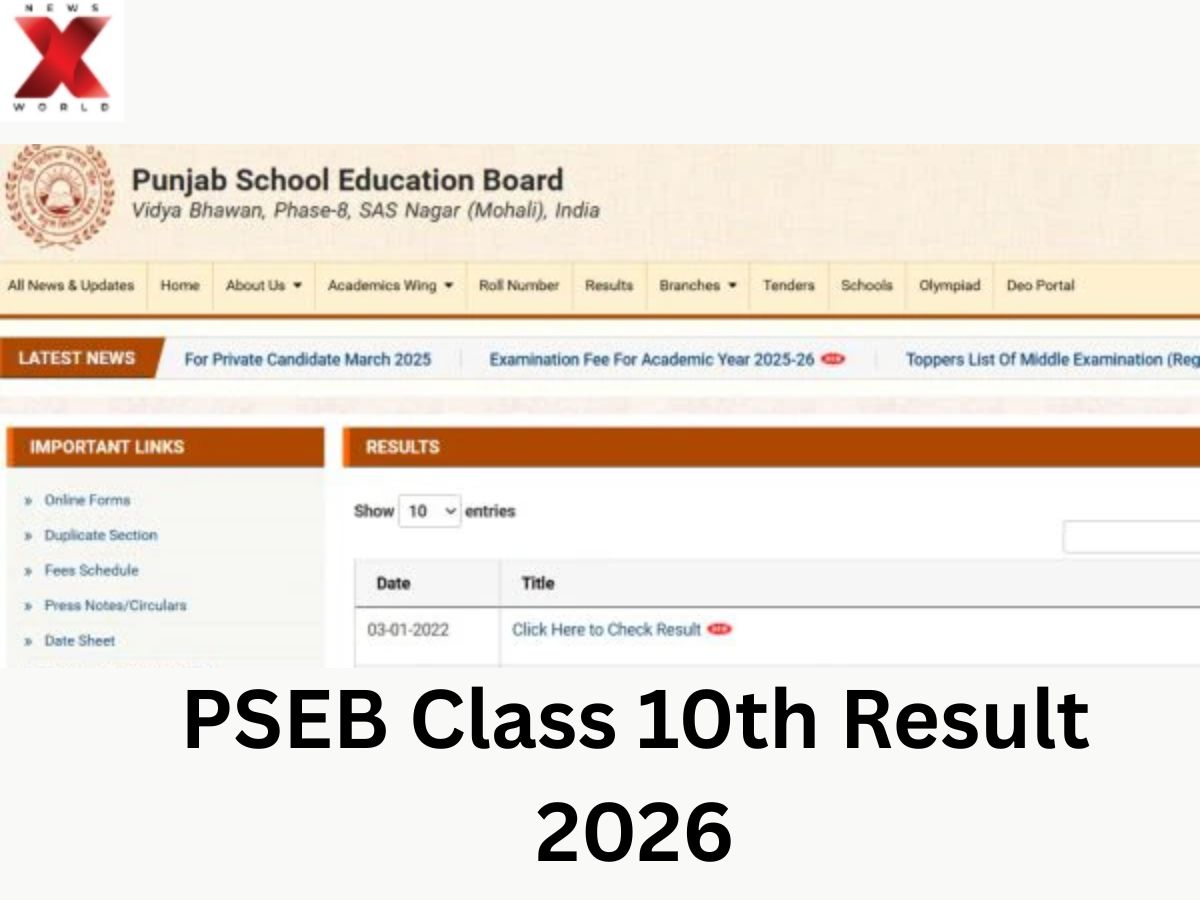
The Punjab School Education Board will publish the PSEB Class 10 Result 2026 today at 12:30 p.m. The board will open the results during the official press conference. Students can check their marks online through the official website after the announcement of the result. The Punjab Board matriculation students can check the results using various means such as the official website, DigiLocker and SMS. The board has recommended students have the roll numbers ready to avoid any delay in getting their scores.
Where Can Students Check PSEB 10th Result 2026
The PSEB result for Class 10 can be checked in online and offline modes. The board’s official website will have the digital scorecard as soon as the result link is made live. Aside from this, DigiLocker will also provide downloadable marksheets.
Students in difficult internet connectivity situations can use the SMS facility for receiving the result on their phones.
Online result checking method:
- Official website: PSEB Official Website
- DigiLocker
- SMS
How To Check Punjab Board 10th Result 2026 Online
Students can download the marksheets online after following a few simple steps.
- Go to the official website of PSEB
- Click on “Results” from the home page
- Enter roll number or required login credentials
- Submit the details
- The scorecard will be displayed on the screen
- Download or print the provisional marksheet for future reference
Students should carefully check the personal details on the marksheet, such as name, roll number and marks in all subjects.
The board will also publish digital marksheets through DigiLocker. To verify your marksheet online, go to your account using your credentials.
How to verify results using DigiLocker
- Go to DigiLocker website or DigiLocker app
- Login using credentials or mobile number
- search PSEB under Education
- Enter details
- View and download
The digitally available marksheet will be valid up to the point when schools release original copies.
How to verify Punjab Board 10th Result 2026 Using SMS
Students who are unable to access the internet can also receive their results via SMS. The board has activated a dedicated SMS facility for Class 10 students.
How To Get Result through SMS
- Enter PB10, followed by a space and your roll number
- Send this message to 5676750
The marks will be sent directly to your registered mobile number soon after you send the message. The Punjab Board has already conducted the Class 10 examinations earlier this year at multiple centres across the state. Now the students of the state are eagerly waiting for the official results announcement, which will determine how they will enter higher secondary education.
Radhika is a journalist with two years of experience covering education, competitive exams, and student-focused developments. She reports on exam notifications, results, admissions, scholarships, and academic policies, helping students stay updated with important information.
Known for her clear and reader-friendly writing, she simplifies complex education updates into accessible stories that guide aspirants, students, and parents. She is also interested in highlighting inspiring student journeys and grassroots education initiatives.
For queries or story tips, you can reach out to her on X (formerly Twitter): https://x.com/Hitkariradz





