

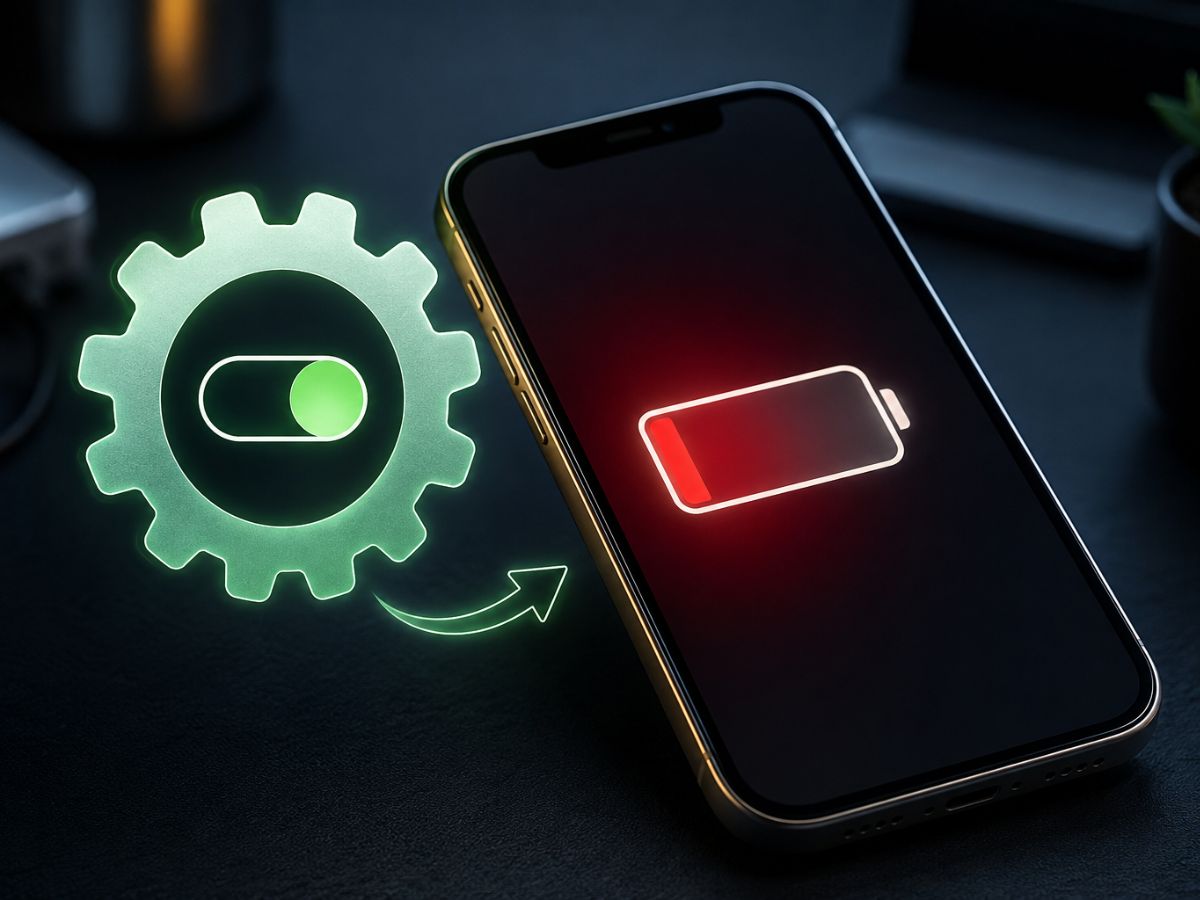
iPhone users have a major issue of battery backup; the devices get discharged too often that users need to charge their iPhone several times a day. While media reports and rumours suggest that the next-generation iPhone 18 Pro will be packed with the biggest battery ever but what about those who have older models or planning to buy an older model at a discounted price after the launch of iPhone 18 Pro lineup. Here are the tips and some hidden features in your device through which you can save your battery and can go out without a charger or power bank.
Check What Is Eating Your Battery First
Before you start changing settings, go to Settings and tap on Battery. Your iPhone will show you a Daily Usage chart that tells you exactly how much battery each app has used today, and how that compares to the last seven days. Three apps that eat the most battery are listed right there.
Look carefully at the details. If an app shows Background Activity, it means the app is running even when you are not using it and quietly draining your phone. You can also see if your phone has been searching for a weak signal, because that alone kills battery faster than most people realise. If the signal in your area is poor, switching on Airplane Mode for a while is actually one of the quickest fixes.
Apple’s iOS also gives you battery suggestions right on this screen. You might see a tip to turn on auto-brightness or set an auto-lock timer. These are small changes but they add up through the day.
Turn On Low Power Mode Before You Need It
Most people only remember Low Power Mode when they are already at 20 percent and panicking. But you can turn it on anytime. Go to Settings, tap Battery, then tap Power Mode and switch on Low Power Mode. Or just add it to your Control Centre so you can do it in one tap.
Low Power Mode quietly reduces what your phone is doing in the background. It slows down things like Mail fetch, background app refresh and some visual effects. You will not notice most of the difference, but your battery will.
If you have an iPhone 15 Pro, 16 series, 17 series or iPhone Air running iOS 26, there is a newer feature called Adaptive Power. It watches your usage pattern and kicks in automatically on days when you are using more than usual. It can even turn on Low Power Mode by itself when battery hits 20 percent, so you do not have to think about it.
Wi-Fi, Brightness and a Few More Easy Wins
Use Wi-Fi whenever you can. Your phone uses far less battery on Wi-Fi than on a mobile network. If you have 5G, switch to 5G Auto mode in your mobile settings. This lets your iPhone drop to LTE when 5G is not really needed, and that saves power without you feeling any difference.
Turn the brightness down a little. High screen brightness is one of the biggest battery drains, and most people keep it higher than needed. Enabling auto-brightness means your phone adjusts on its own depending on where you are.
Finally, check your battery’s health. Go to Settings, tap Battery and then Battery Health. If it says Service, your battery has worn down and replacing it will make a bigger difference than any setting change.
Small habits, checked once a day, can easily get you through without reaching for a charger.
Syed Ziyauddin is a media and international relations enthusiast with a strong academic and professional foundation. He holds a Bachelor’s degree in Mass Media from Jamia Millia Islamia and a Master’s in International Relations (West Asia) from the same institution.
He has work with organizations like ANN Media, TV9 Bharatvarsh, NDTV and Centre for Discourse, Fusion, and Analysis (CDFA) his core interest includes Tech, Auto and global affairs.
Tweets @ZiyaIbnHameed





