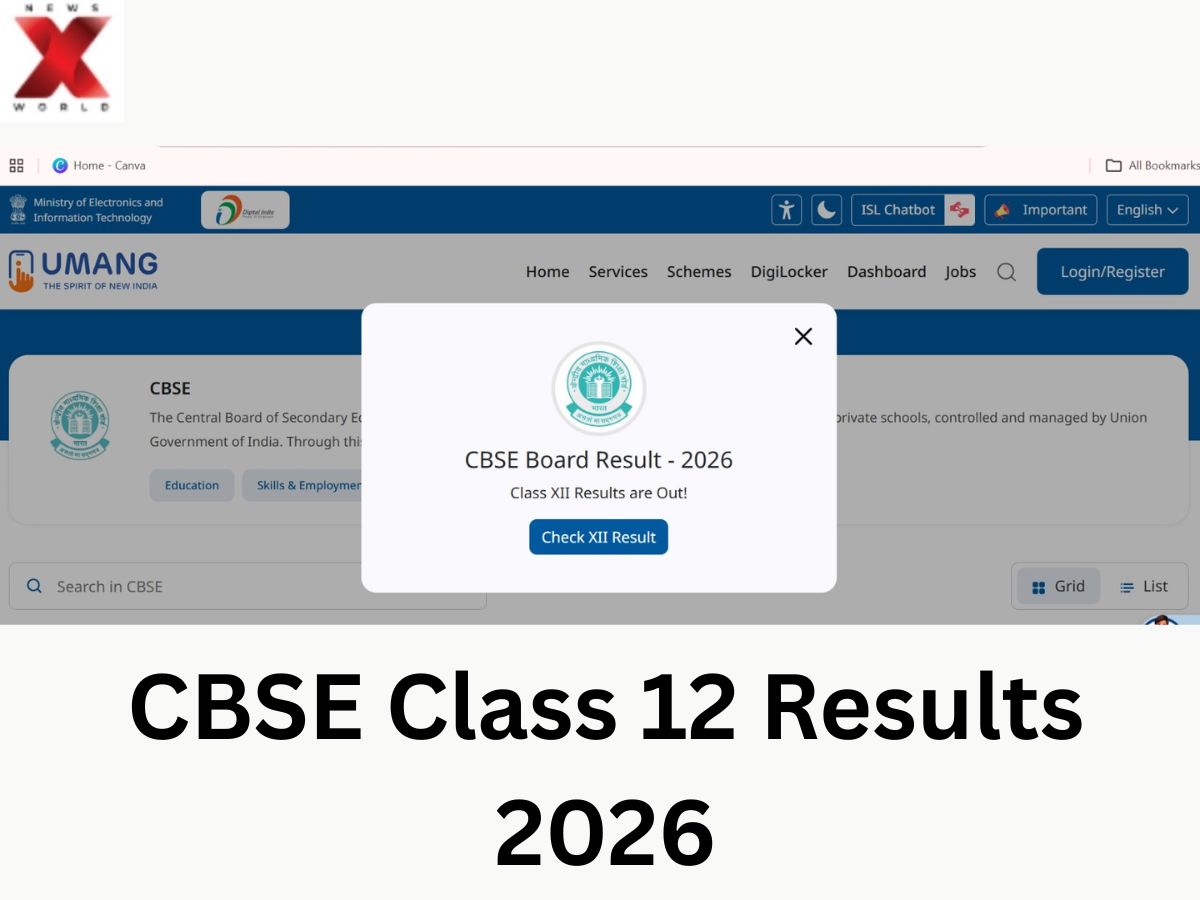
The CBSE Result 2026 have released on the official websites of the Central Board of Secondary Education. In addition to the official websites, students can now check their digital scorecards from DigiLocker and the UMANG app. Lakhs of students who appeared for the CBSE Class 12 board exams can now check their results from official websites.
To avoid the problem of a slow server, the board has allowed candidates to download their provisional certificates and marksheets on several digital platforms.
How to Check CBSE 12th Result 2026 on DigiLocker
Students can download their digital mark sheet and certification from DigiLocker. Candidates have to do the following:
- Go to the DigiLocker website or open the DigiLocker app
- Now login with the mobile number or the Aadhaar-linked credentials
- Click on CBSE Class 12 Result 2026
- Enter the roll number, school code, and other details
- Click on submit to get the marksheet
- Save the downloaded digital copy
A digital marksheet from DigiLocker is valid for all admissions and official verifications.
How to Download CBSE Scorecard on UMANG App
The UMANG application can also be used for students to check and download their CBSE Class 12 results online.
The app is usually the go-to platform in results season to avoid website traffic. Here’s how students can check scores in UMANG:
- Download and open the UMANG app
- Search for CBSE services in the home screen
- Click on the CBSE Class 12 Result 2026 option
- Enter the required login details, like roll number
- Submit the details to access the result
Download the provisional scorecard for your reference Students can also use the app to access other educational and government services.
Why Are DigiLocker and UMANG Important During Results
In the results season of major boards, official websites often get high traffic leading to longer load times or technical glitches. DigiLocker and UMANG help in deflecting traffic from the main website while providing secure access to scorecards and academic records.
These platforms also help in ensuring students don’t have to rely on physical copies and can still access their documents at any time.
What information is needed to check CBSE Result 2026
In order to check the marks online, students need to log in with their credentials. Typically, to log in, they will need to provide the following: Roll No. School No Admit card ID Date of Birth (if required) The candidates should keep the admit cards handy before logging in.
What is Mentioned on CBSE 12th Scorecard 2026
Student name, subject-wise marks, grades, total marks obtained, qualifying status and result will be included in the provisional marks sheet. The CBSE grading system is used in addition to the numerical marks. Students with 91-100 marks are awarded grade A1, and for those who score less than 33 marks, grade E is granted, resulting in them being disqualified from the subject.
What Should Students Do Once They Download The Results
Now that the result is out, students should double-check that all information stated on the scorecard is correct. In case of any errors, students need to get in touch with their schools or CBSE authorities to have it corrected right away. Once received through schools, students will then be able to collect original mark sheets and certificates. In the meantime, they can use the downloadable digital formats for college admissions and other entrance-related matters.
With several online portals to check the results, students are expected to face less hassle while checking their results this year as CBSE continues to improve its digital access to the academic records.
Radhika is a journalist with two years of experience covering education, competitive exams, and student-focused developments. She reports on exam notifications, results, admissions, scholarships, and academic policies, helping students stay updated with important information.
Known for her clear and reader-friendly writing, she simplifies complex education updates into accessible stories that guide aspirants, students, and parents. She is also interested in highlighting inspiring student journeys and grassroots education initiatives.
For queries or story tips, you can reach out to her on X (formerly Twitter): https://x.com/Hitkariradz