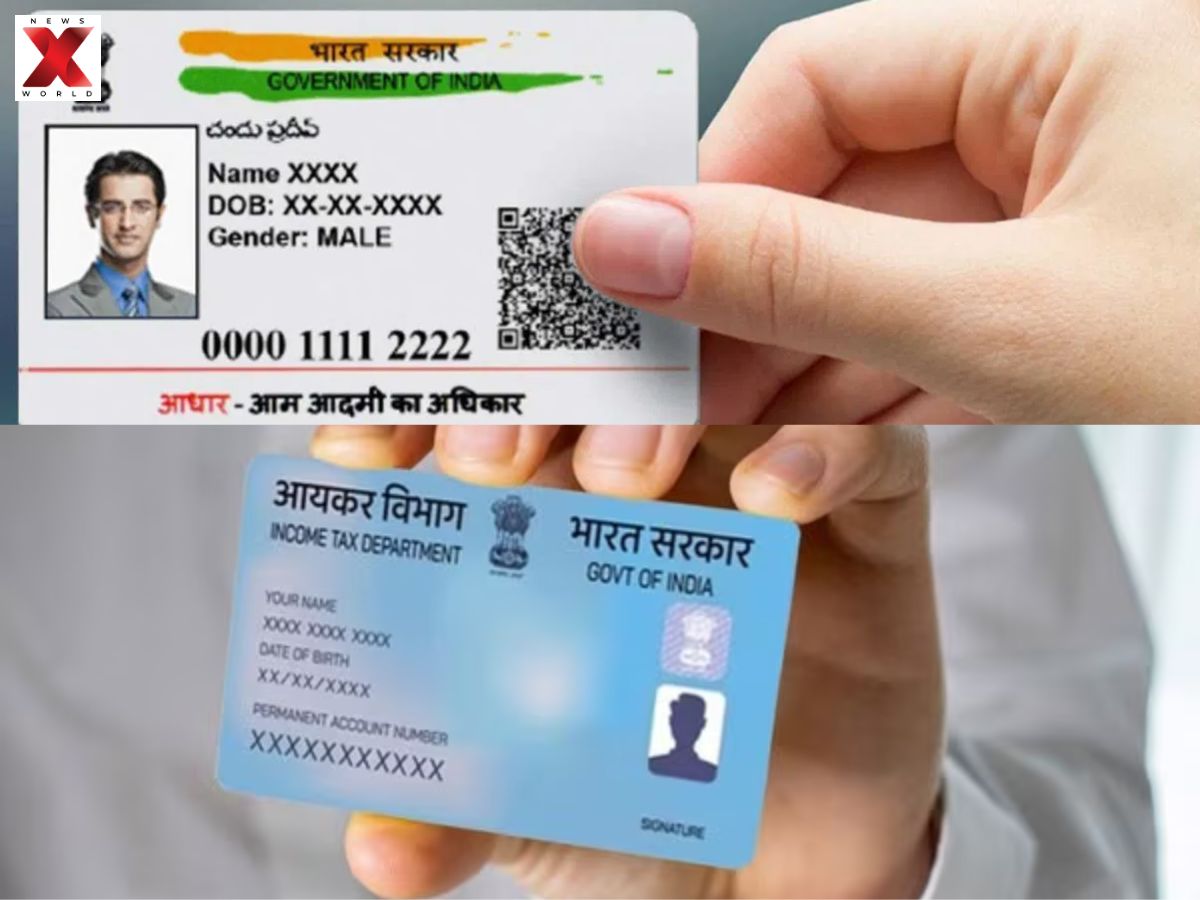

PAN-Aadhaar Verification Errors: Overview
The linking of PAN and Aadhaar sometimes feels like a challenge with high stakes! Verification errors are common among many users, and the reason is very simple , errors of tiny proportions such as a misspelled name, reversed first and last names, or a date of birth that is just a little different can mislead the system completely.
Even discrepancies regarding gender or outdated records after life events, like marriage, can be problematic. Moreover, technical glitches, slow portals, or an already-linked PAN add to the confusion. The situation can become really bad when your PAN is shown as ‘inoperative’ because, at that moment, no financial transactions can be done. So, essentially, linking isn’t just a click; it’s a mini detective game where you have to match the details perfectly!
Common Reasons For PAN-Aadhaar Verification Errors
- Name Games: Minor spelling differences, initials vs. full names, or swapped first/last names can throw the system off.
- DOB & Gender Mix-Ups: Even small discrepancies in date of birth or gender can cause instant rejection.
- Oops! Data Entry Errors: Typing mistakes or official goofs during application can mess up the link.
- Life Changes Ignored: Name changes after marriage or other life events not updated uniformly = mismatch alert.
- Tech Trouble: Server downtime, heavy traffic, or OTP delivery issues can block successful linking.
- Already Taken: Rare cases of fraud or PAN linked to another Aadhaar can halt the process.
Steps To Fix Verification Problems For PAN-Aadhaar
Correcting PAN-Aadhaar linking mistakes is just like being a sleuth with one’s own paperwork! Firstly, it is important to have identical information, name, date of birth, and gender need to be exactly the same on both documents, PAN and Aadhaar. Even the slightest misspelling or switching of initials can mislead the system. After that, find the difference by laying the documents next to each other; identify those tiny differences that could be the reason for the storm. Imagine it as a small treasure hunt where the “treasure” is linking without any trouble.
As soon as you find the wrong information, make the corresponding changes, and there you have it, your PAN and Aadhaar can now finally meet!
Updating The Document With Errors
For Aadhaar Corrections:
-
Update details online via the UIDAI Self Service Update Portal (SSUP).
-
Visit an Aadhaar Enrolment Centre for complex changes (e.g., date of birth, biometrics).
For PAN Corrections:
-
Apply for changes online via the Protean eGov Technologies Ltd (formerly NSDL) website or the UTIITSL website.
-
Select “Changes or Correction in existing PAN” and submit supporting documents.
Re-attempt Linking:
-
After updates and confirmation (15–20 working days), link PAN and Aadhaar again via the Income Tax e-filing portal.
Aadhaar Corrections – Basic Details
| Document | Correction Type | How to Update |
|---|---|---|
| Aadhaar | Name, Date of Birth, Gender, Address | Update most demographic details online via myAadhaar portal (SSUP) |
| Aadhaar | Biometric updates, Date of Birth, Mobile Number | Visit an authorized Aadhaar Enrolment Centre |
| PAN | Name, Date of Birth | Apply online via Protean eGov Technologies Ltd (NSDL) or UTIITSL; select “Changes or Correction in existing PAN data” and submit required documents |
| Final Step | Linking PAN-Aadhaar | Once details are consistent, link on Income Tax portal, ensuring any applicable fees are paid |
How To Check PAN-Aadhaar Link Status Online
- Visit the e-Filing Portal: Go to the official Income Tax Department’s Link Aadhaar Status page.
- Enter Details: Provide your 10-digit PAN and 12-digit Aadhaar number.
- View Status: Click “View Link Aadhaar Status”.
- Check the Message:
-
- “Your PAN is already linked to given Aadhaar” -> Successfully linked.
- “PAN not linked with Aadhaar” -> Not linked; link after paying applicable fee.
- “Your Aadhaar-PAN linking request has been sent to UIDAI for validation” -> Request in process.
Alternative SMS Method:
Send a message in the format UIDPAN <12-digit Aadhaar> <10-digit PAN> to 567678 or 56161.
(With Inputs)
Also Read: Meesho IPO Allotment And Listing: Everything Investors Need to Know…
Aishwarya is a journalism graduate with over three years of experience thriving in the buzzing corporate media world. She’s got a knack for decoding business news, tracking the twists and turns of the stock market, covering the masala of the entertainment world, and sometimes her stories come with just the right sprinkle of political commentary. She has worked with several organizations, interned at ZEE and gained professional skills at TV9 and News24, And now is learning and writing at NewsX, she’s no stranger to the newsroom hustle. Her storytelling style is fast-paced, creative, and perfectly tailored to connect with both the platform and its audience. Moto: Approaching every story from the reader’s point of view, backing up her insights with solid facts.
Always bold with her opinions, she also never misses the chance to weave in expert voices, keeping things balanced and insightful. In short, Aishwarya brings a fresh, sharp, and fact-driven voice to every story she touches.