
Is Your Gmail Id at Risk? Here’s How To Secure Your Account
A massive email breach was recently discovered, and the number of affected is pretty staggering. Around 183 million email accounts were reportedly compromised. Have I Been Pwned has revealed a data breach, highlighting that it includes both email addresses and their passwords. Gmail is one of the most widely used platforms worldwide. But with rising cyber threats, your Gmail account could be at risk. Here’s how to secure your Gmail account effectively.
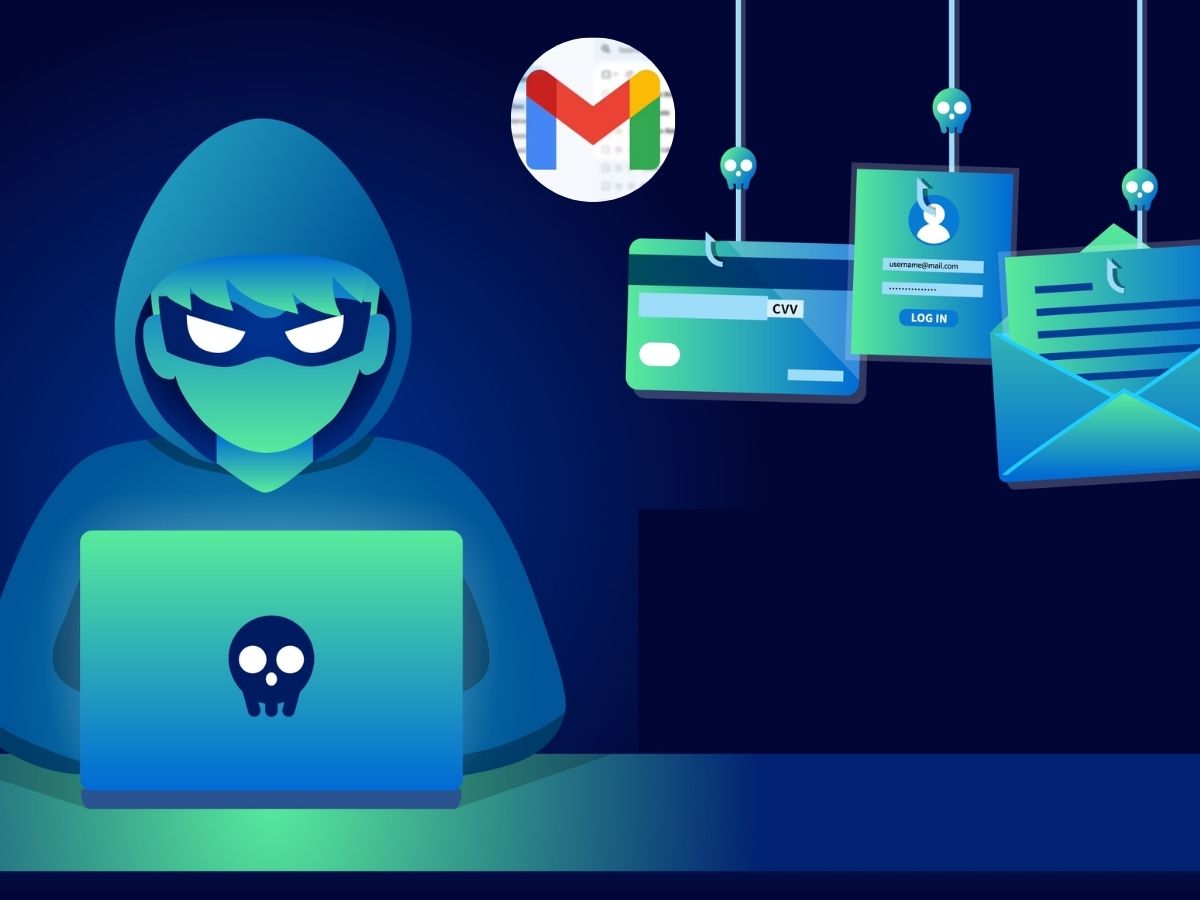
Signs Your Gmail Account Might Be at Risk
Unsusual login activity: Gmail notifies you if your account is accessed from an unknown device or location.
Suspicious emails sent from your account: If people you know say there are getting spam emails from your account, there are high risk that it have been hacked.
Unexpected password change requests: If you receive any notifications about password change, do not initiate it.
Security Alerts from Google: Google keeps an eye on your account and will send you a warning if it notices anything suspicious.
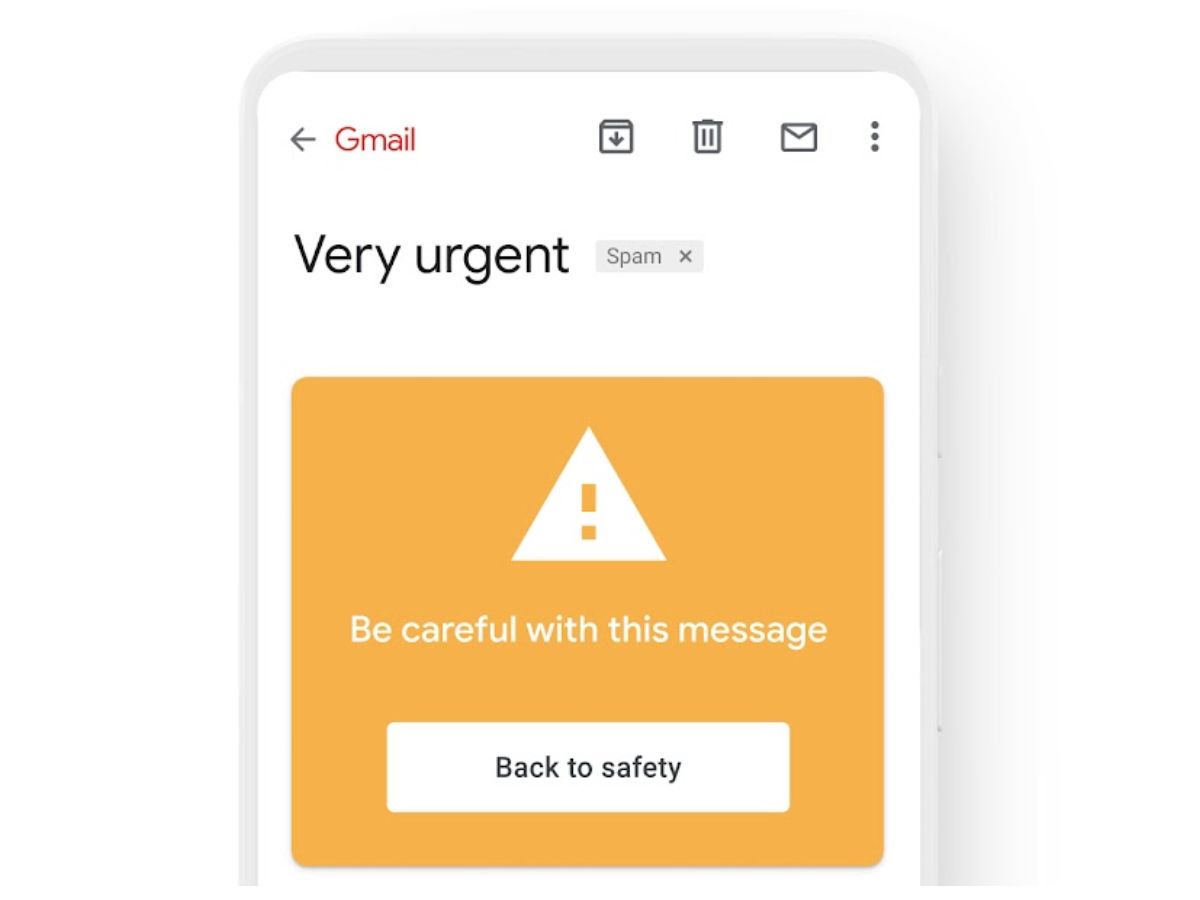
How to Secure Your Gmail Account?
Enable Two-Factor Authentication: Two-Factor Authentication adds an extra layer of security by requiring a verification code in addition to your password. It works simply, by not giving access of your account to the hackers.
Usa a Strong and Unique Password
Avoid simple passwords like birthdays or common words. Use a combination of uppercase and lowercase letters, numbers, and symbols. You Gmail password should be unique and do not reuse it for other platforms.
Regularly Review Account Activity
Check your Gmail account’s last account activity feature to monitor active session. Log out of any devices you don’t recognize.

Be cautious of Phishing Emails
Never click on suspicious links or download attachments from unknown or suspicious senders. These phishing emails can harm you on another level and the hackers will gain access to Gmail accounts.
Update Recovery Options
Ensure your recovery phone number and email are up to date. This helps google to alert you in any case of suspicious activity or if you forget your password.




