
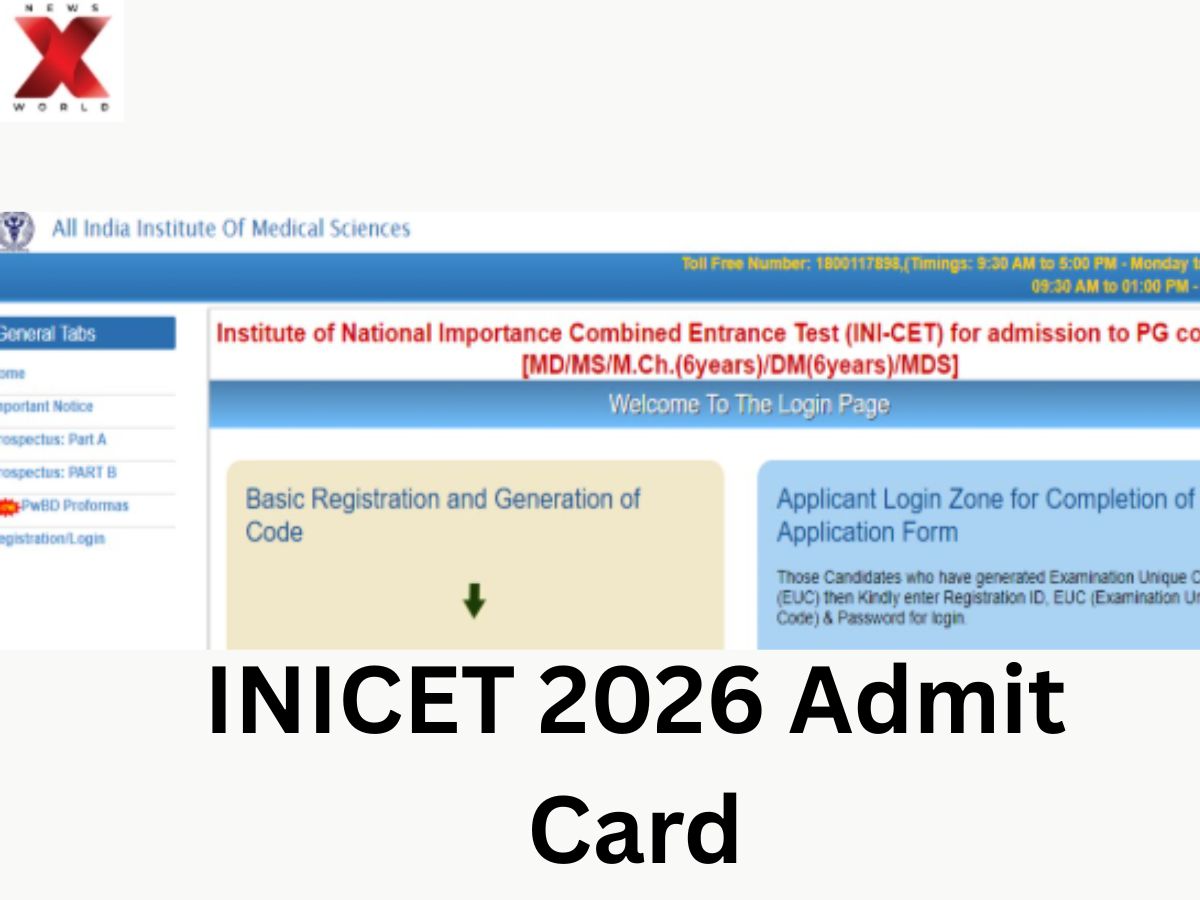
The All India Institute of Medical Sciences (AIIMS) will soon put out the INI CET 2026 admit card on its official website. The candidate can download the hall ticket by logging into the candidate portal at aiimsexams.ac.in. The Institutes of National Importance Combined Entrance Test (INI CET) 2026 is scheduled to be held in online mode on May 16 for admission to postgraduate medical courses of premier institutes such as AIIMS, JIPMER, NIMHANS, PGIMER, and SCTIMST.
Follow these simple steps to download the INICET 2026 admit card. Candidates should keep their application number and password ready, as the admit card may be activated at any time.
How to download INICET 2026 admit card
- Visit the official website at aiimsexams.ac.in
- Click on Academic Courses
- Click on Postgraduate Courses Dashboard
- Click on INI CET Exam Portal
- Login using the application number and password
- Click on the admit card displayed on screen
- Take at least two printouts of the admit card for further use
The AIIMS institute has also mentioned that only the original printed admit card will be accepted at the examination centre.
What details are required for INICET admit card login
To login and download the admit card candidates will need:
- Application number/ registration ID
- Password
- Captcha code (if any)
Also, candidates need to double-check all the details mentioned in the admit card after downloading it.
What documents should candidates carry with INICET admit card
Candidates are expected to carry a valid photo ID proof and admit card with them on the exam day. The valid acceptable forms of identity proof are:
- Aadhaar card
- PAN card
- Passport
- Driving licence
- Voter ID card
The identity proof issued by a government agency that is recognised by…
AIIMS has also urged the candidates to upload a printed copy of the admit card such that the IP address and time and date should be visible clearly.
What is the INICET 2026 reporting time
The INICET 2026 exam will be conducted on May 16 in a single shift.
Here is the official schedule:
- Reporting time: 6.30 AM
- Entry starts at 7 AM
- Entry closes at 8.30 AM
- The exam starts at 9 AM
- The exam ends at 12 PM
Candidates should have a seat by 8.55 AM.
AIIMS has recommended that candidates adhere to the reporting time mentioned in the admit card to avoid any inconvenience at the exam centre.
What are the important INICET exam day instructions
AIIMS has uploaded a separate set of instructions for candidates appearing for the exam.
According to these instructions INICET will be conducted in the computer-based test mode
- Using a keyboard during the exam is not allowed
- Candidates will answer questions using the mouse only
- Only one rough sheet will be provided at the exam centre
If candidates require more rough space, they can write on the back of the admit card
Candidates are advised to read all the exam-day instructions mentioned in the document before appearing for the exam.
Which institutes participate in INICET 2026
INI CET is conducted for admission into postgraduate medical programmes in Institutes of National Importance across India. The institutes taking part in INI CET are:
- AIIMS
- JIPMER Puducherry
- NIMHANS Bengaluru
- PGIMER Chandigarh
- SCTIMST Thiruvananthapuram
Candidates appearing for the exam will also be allowed to raise objections against questions within 24 hours after the examination through the official portal.
Radhika is a journalist with two years of experience covering education, competitive exams, and student-focused developments. She reports on exam notifications, results, admissions, scholarships, and academic policies, helping students stay updated with important information.
Known for her clear and reader-friendly writing, she simplifies complex education updates into accessible stories that guide aspirants, students, and parents. She is also interested in highlighting inspiring student journeys and grassroots education initiatives.
For queries or story tips, you can reach out to her on X (formerly Twitter): https://x.com/Hitkariradz





